






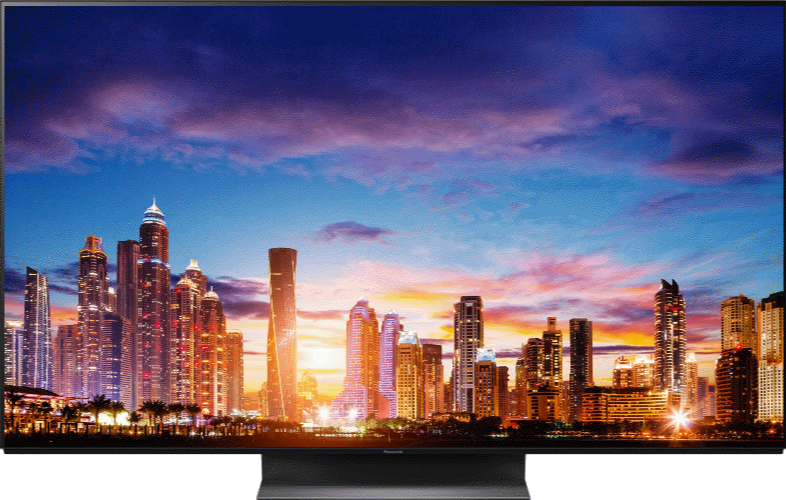



How to use "panel maintenance" on a television.
Turns the screen off and performs the maintenace to prevent the panel "image retention". There are two types of the maintenance as following.
- Normal maintenance automatically starts, and it takes approx. 10 minutes.
- Regular maintenance takes approx. 80 minutes.
- The LED turns orange during the adjustment of the panel.
- When regular maintenance is necessary, the message appears on the screen after turning the TV off with the remote control . Follow the onscreen instructions.
- During the panel maintenance, a white horizontal line appears on the screen for a while. This is not a malfunction.
- To cancel the maintenance, turn the TV on while the maintenance is in progress.
- A completion message will be displayed when turning the TV on after panel mantenance.
Turning Panel Maintenance message on or off. Enables to display the regular panel maintenance notification.
- Press [ Menu ].
- Press [▼] or [▲] to select " Pi cture " and press [ OK ].
- Press [▼] or [▲] and select " Screen Settings " and press [ OK ].
- Press [▼] or [▲] and select " Panel maintenance message " and press [ OK ].
- Select " ON/Off ".
: The message automatically displays for maintenance when the TV is turned off after watching for a certain period of time.
Off:The message does not display. Select Panel maintenance and perform the panel maintenance manually.
This FAQ applies to models - TC-55EZ950, TC-65EZ950, TC-65EZ1000, TC-77EZ1000, TC-55FZ950, TC-65FZ950, TC-65FZ1000, TC65FZ1000, GX800, GX880, GZ1000, GZ2000.