





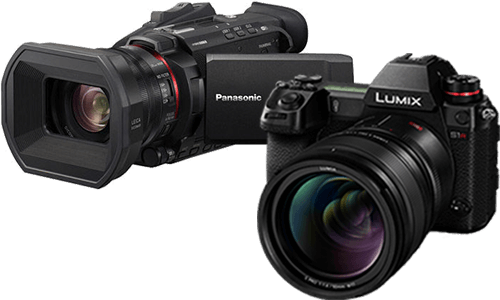



Using 4-Channel Audio Recording on the DC-L10
4-channel audio recording is available with compatible optional microphone accessories,
including supported XLR and digital shotgun microphone workflows.
How to use this feature
- Attach a compatible optional audio accessory.
- Set the camera to Video mode.
- Open 4ch Audio Recording.
- Select the desired 4-channel mode, or select OFF for 2-channel recording.
- Confirm that 4ch appears on the recording screen when enabled.
Frequently asked questions
What does 4-channel audio recording do?
It records additional audio channels so creators can capture primary and backup audio signals depending on the connected accessory and selected mode.
Which accessory is mentioned for 4-channel digital shotgun recording?
The manual describes 4-channel recording with the optional DMW-DMS1 Digital Shotgun Microphone.
What are DMS1 BACKUP modes?
Backup modes record additional channels, including backup audio that may be 20 dB quieter depending on the selected mode.
Why can I not enable 4-channel audio?
The setting is not available with MP4(Lite) or MP4 recording formats, and it cannot be set when Hot Shoe Audio Input is OFF.
How do I monitor channels during playback?
Use Sound Monitoring Channel(Play) to choose CH1/CH2, CH3/CH4, all channels, or an individual channel for speaker output.
Important notes
- Do not carry the camera by holding an attached digital shotgun microphone.
- If noise is recorded while using an AC adaptor, use the battery.