





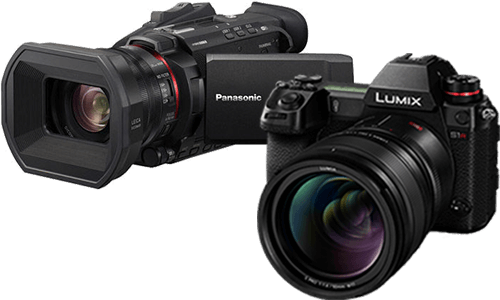



Using Focus Transition on the DC-L10
Focus Transition smoothly moves focus from the current focus position to one of up to three registered focus positions during video recording.
How to use this feature
- Set the camera to Video mode.
- Open Focus Transition.
- Set focus positions by checking focus as you would with MF, then register POS1, POS2, and POS3 as needed.
- Start video recording.
- Select the registered focus position to start the transition.
- Press [Q] to end the transition, then stop recording when finished.
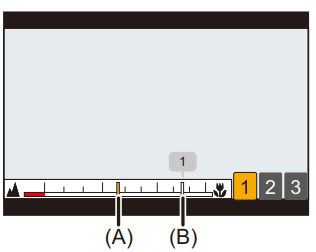
- (A) - Current Focus Position
- (B) - Registered Focus Position
Frequently asked questions
What is Focus Transition?
It is a video feature for smooth focus pulls between registered focus positions.
Can Focus Transition start automatically?
Yes. Enable Focus Transition Rec to start the transition when recording starts.
Can I control the transition speed?
Yes. Use Focus Transition Speed, from fast to slow.
Why did my focus positions disappear?
Focus positions are cleared if the camera is turned off, zoom is operated, the focus mode is changed, or the recording mode is changed.
Can I focus on something else during the transition?
No. While using Focus Transition, focusing is limited to the registered focus positions.
Important notes
- Maintain the same distance to the subject after setting focus positions.
- Focus Transition is not available when Live Cropping is active.