





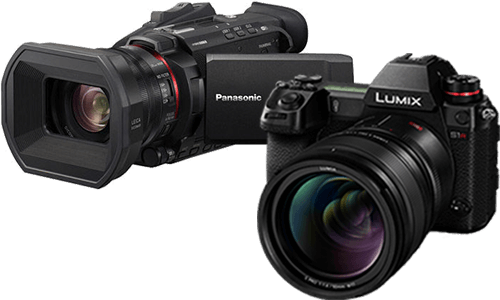



How to Use HEIF and HDR (HLG) Photo Recording on the DC-L10
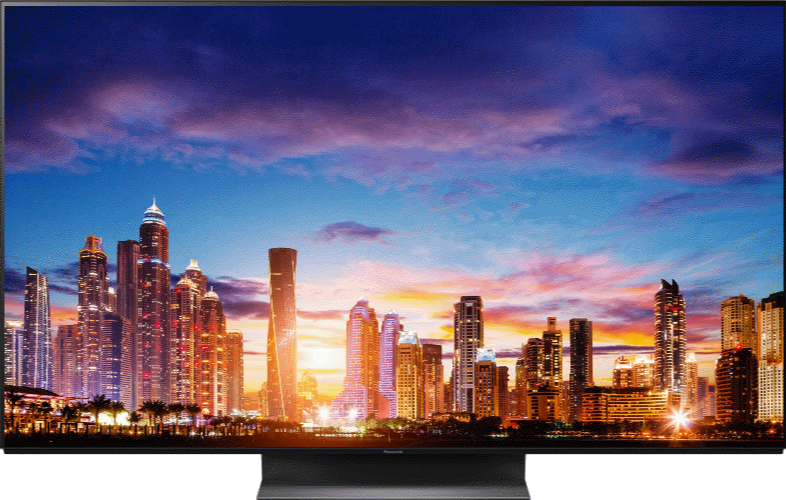
HEIF provides high image quality in smaller files than JPEG, and HLG HEIF records HDR photos with wide dynamic range.
How to use this feature
- Set the camera to Photo mode.
- Set Rec. File Format(Photo) to HEIF or RAW+HEIF.
- Set Switch JPEG/HEIF to HEIF.
- For HDR photos, set HEIF Format to HDR(HLG).
Frequently asked questions
What is HEIF?
HEIF is a high-efficiency image format that can provide high image quality with a smaller file size than JPEG.
Why can I not open my HEIF files?
Some computers, software, printers, and apps do not support HEIF. A compatible environment is required to display, edit, or print HEIF files.
What file extension does the camera use?
HEIF images are saved with the .HIF extension.
If a computer or app cannot load the file, changing the extension to .HEIC may help.
What is HLG Photo?
HLG Photo records HEIF images using Hybrid Log Gamma, an HDR tone-curve format designed to preserve detail in bright and dark areas.
Can HLG HEIF images be viewed everywhere?
No. HLG HEIF images require devices or software that support the HLG format for proper viewing.
Important notes
- When HEIF Format is set to HDR(HLG), available Photo Styles are limited to Standard(HLG), Monochrome(HLG), and REAL TIME LUT.