








How to Charge or Continuously Power the DC-L10 Using USB-C
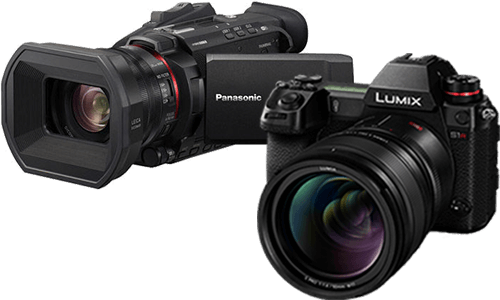
The DC-L10 can charge the battery in-camera and can also be powered through USB-C
while the camera is on and the battery is inserted.
How to use this feature
- Insert the battery into the camera.
- Connect the camera USB port to an AC adaptor or other supported USB power source using a suitable USB-C cable.
- For charging, turn the camera off.
- For power supply while recording, turn the camera on with the battery inserted.
Frequently asked questions
Can I record while connected to USB power?
Yes. When a battery is inserted and the camera is turned on, the camera can record while being supplied with power.
What USB power is recommended?
The manual recommends a commercially available AC adaptor that supports 5 V / 3 A or 15 W DC output and a USB Type-C terminal, plus a USB cable rated for 15 W or better.
Does the battery charge while supplying power?
No. The battery cannot be charged while power is being supplied for operation.
Why is the battery still draining while plugged in?
Depending on usage conditions and the power supply capability of the connected device, remaining battery charge may decrease. If the battery is depleted, the camera turns off.
What does a blinking red charging light mean?
A blinking red charging light indicates a charging error, such as battery or surrounding temperature being outside the recommended range, or dirty battery terminals.
Important notes
- Do not use USB extension cables or USB conversion adaptors.
- Do not connect through keyboard ports, printer ports, or USB hubs.
- Operation is not guaranteed with all commercially available devices.