








My Microwave Display Is Blank.
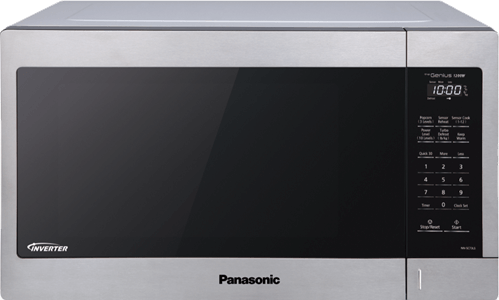
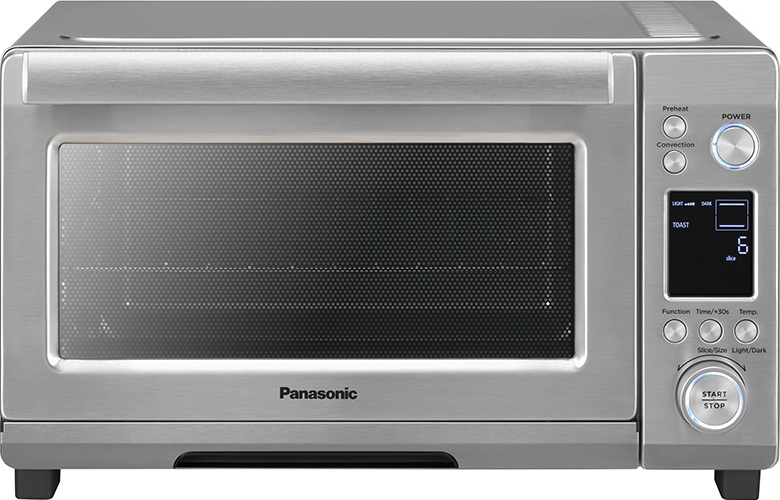
If your microwave has power but the display is blank, it has entered energy-saving mode features called Auto Sleep.
Note:
To help conserve energy and comply with the U.S. Department of Energy (DOE) Energy Conservation Standards for Microwave Ovens, microwave ovens manufactured on or after June 22, 2026 may automatically enter a low-power mode when they are not in use.
https://www.federalregister.gov/documents/2023/06/20/2023-12958/energy-conservation-program-energy-conservation-standards-for-microwave-ovensTo conserve energy, the screen automatically turns off after 2 minutes of inactivity. This is a normal energy-saving feature and does not affect microwave performance.
- Verify the microwave is plugged into a working electrical outlet.
- Press any button on the control panel. You can also press the Door release button.
- The display should immediately turn back on.
- Continue using the microwave as normal.
If the display does not illuminate after pressing a button, verify the outlet has power. If the microwave still does not respond, refer to your Owner's Manual or contact Panasonic Customer Support.