Support Links
Documents & Manuals
Service Locator
Firmware Downloads
Parts & Accessories
Product Registration
Warranty Information
Support Videos
Commercial Food Service Locator
Soutien en français
Support in English
Soutien en français
Support in English
Soutien en français
Support in English
Documents & Manuals
Service Locator
Firmware Downloads
Parts & Accessories
Product Registration
Warranty Information
Support Videos
Commercial Food Service Locator
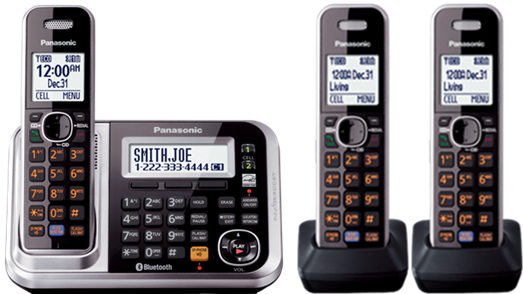
Telephones/Fax
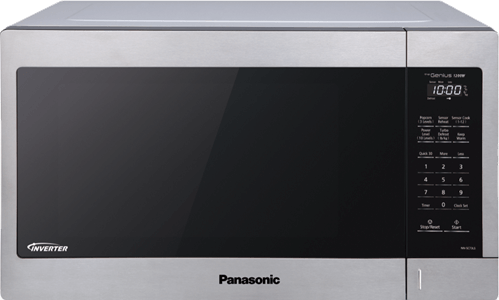
Microwave/Multi Ovens
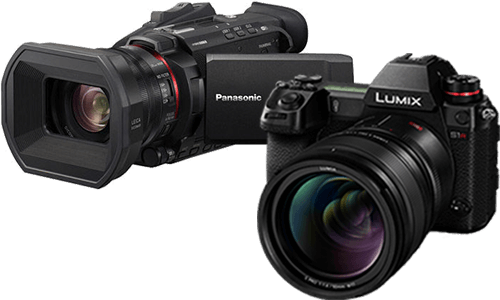
Camera/Camcorder
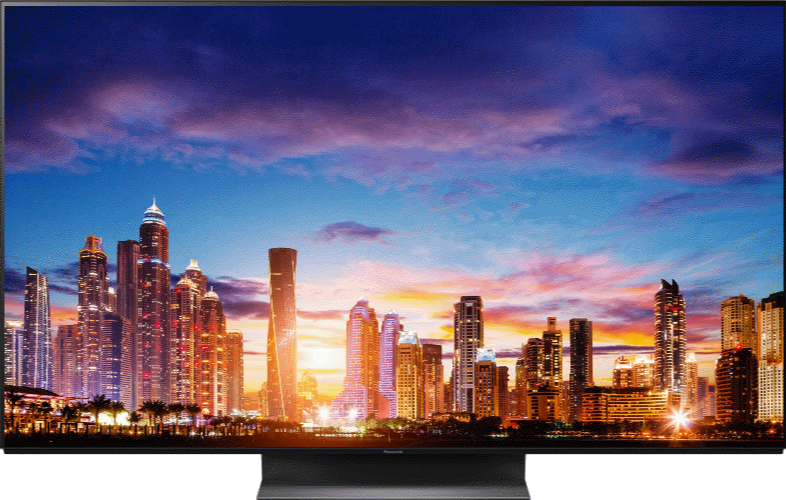
Television
Audio
Video Products
Technics
Smart Home
Professional Kitchen
Small Kitchen Appliances
Health and Beauty
Garment Care
Home Appliances
Home
>
Video Library
Panasonic Video Library
How-to and troubleshooting videos from the Panasonic Help channel, organized by product.
Search
Filters
Content Theme
How-To
311
Setup & Connection
142
Installation
23
Troubleshooting
20
Cleaning & Maintenance
25
Recipes & Cooking
86
Product Overview
160
Tips & Inspiration
48
Product Category
Audio
27
Camera/Camcorder
231
Health and Beauty
57
Home Appliances
1
Major Appliances
22
Microwave/Multi Ovens
138
Small Kitchen Appliances
27
Smart Home
77
Technics
29
Telephones/Fax
116
Television
61
Video Products
15
Apply filters
All videos
802 videos · page 2 of 34
‹ Prev
1
2
3
4
…
34
Next ›
1:45
Panasonic – Telephones – Function – How to Access messages remotely. Models listed in Description.
2:59
Panasonic – Television – Function – How to set up the ARC “Audio Return Channel” feature.
2:20
Panasonic VIERA – Connecting your Viera Television to an Analogue Device
1:10
Panasonic – Telephones – Function – How to turn off Talking Caller ID. Models listed in Description.
1:21
Panasonic – Home Audio – SC-NA10, SC-NA30 – Pairing to a Bluetooth® Device.
1:36
Panasonic – Telephones – Function – How to record a Greeting Message
5:19
Setup & Getting TV Sound from your Home Theatre
4:06
Panasonic – Telephones – Function – How to link to a cell phone. Models listed in Description.
4:35
Panasonic – Television – Function – How to perform the first time set up.
1:29
Panasonic – Microwave Ovens – Troubleshooting – No Power or No Display.
Microwave Ovens NN-SE284
1:14
Panasonic – Television – Troubleshooting – How to troubleshoot a blinking power indicator.
1:18
Panasonic – Telephones – Function – How to set the answer ring count. Models listed in Description.
5:07
Connecting your Blu-ray player/Home Theatre to the Built in Network
1:04
Panasonic – Telephones – KX-TGB310 – How to add call blocked numbers manually
Telephones KX-TGB310
1:00
Panasonic Bikini Trimmer & Shaver ES-WV62 | How to Use
3:12
Panasonic LUMIX GH4 | PHOTOS TO IMPRESS, 4K VIDEOS TO INSPIRE
LUMIX DMC-GH4
1:16
Panasonic – Telephones – Function – How to set the answer ring count. Models listed in Description.
1:35
Panasonic – Telephones – KX-TGD592, KX-TGD593 – How to turn on or off talking caller ID.
Telephones KX-TGD592, KX-TGD593
1:11
Panasonic – Telephones – Function – Turn off the Voicemail indicator. Models listed in Description.
5:05
Panasonic – LCD/LED TV – Function – Connexion à divers appareils et à Internet.
3:24
Panasonic – LUMIX – Function – How to transfer photos from your Lumix Camera to a MAC computer.
LUMIX DC-FZ1000M2
1:29
Panasonic – Telephones – Function – How to record a greeting message. Models listed in Description.
1:56
Panasonic – Telephones – Function – How to set the date and time. Models listed in Description.
0:32
Panasonic – Telephones – Function – How to turn off the ringer. See list of telephone models below.
Telephones KX-PRW120, KX-PRW130
‹ Prev
1
2
3
4
…
34
Next ›
Watch on YouTube ↗
Close ✕