


















How to disable/enable motion sensor notifications with the Home Network App.
The information in this FAQ is to be used when the indoor HD camera is used with a Home Network system (KX-HNB600 Hub system). If the camera is not connected to a home network system then use the Panasonic HomeHawk App. If you are using the Homehawk app,
Refer to the HomeHawk App FAQ.Enable/Disable motion sensor notification.
- Select the Home Network App.
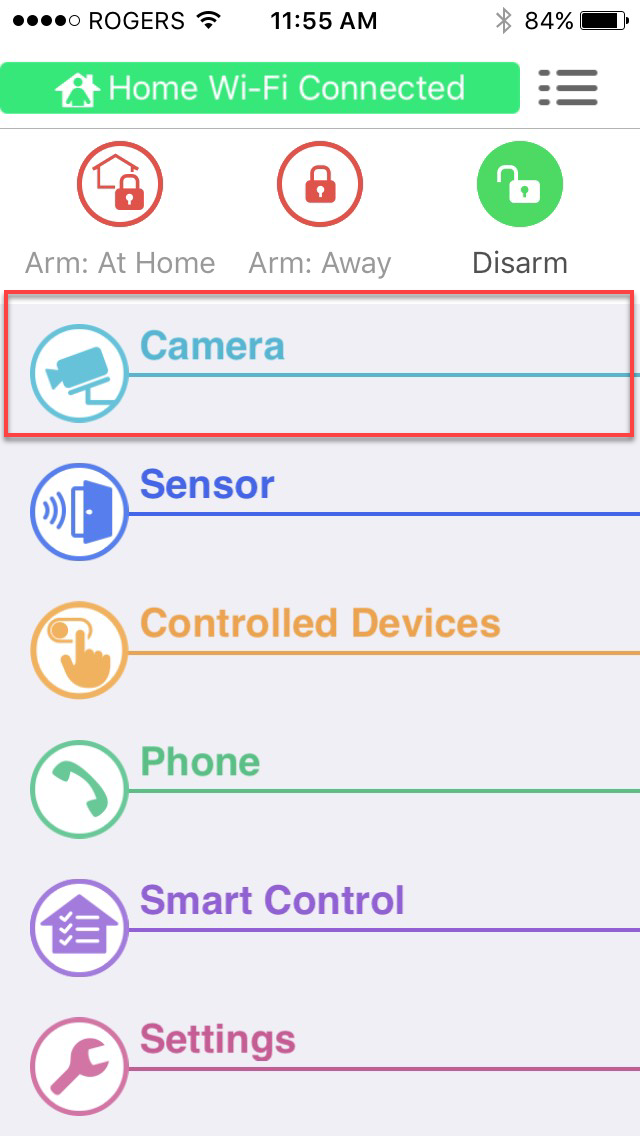
- Tap [ Camera ]
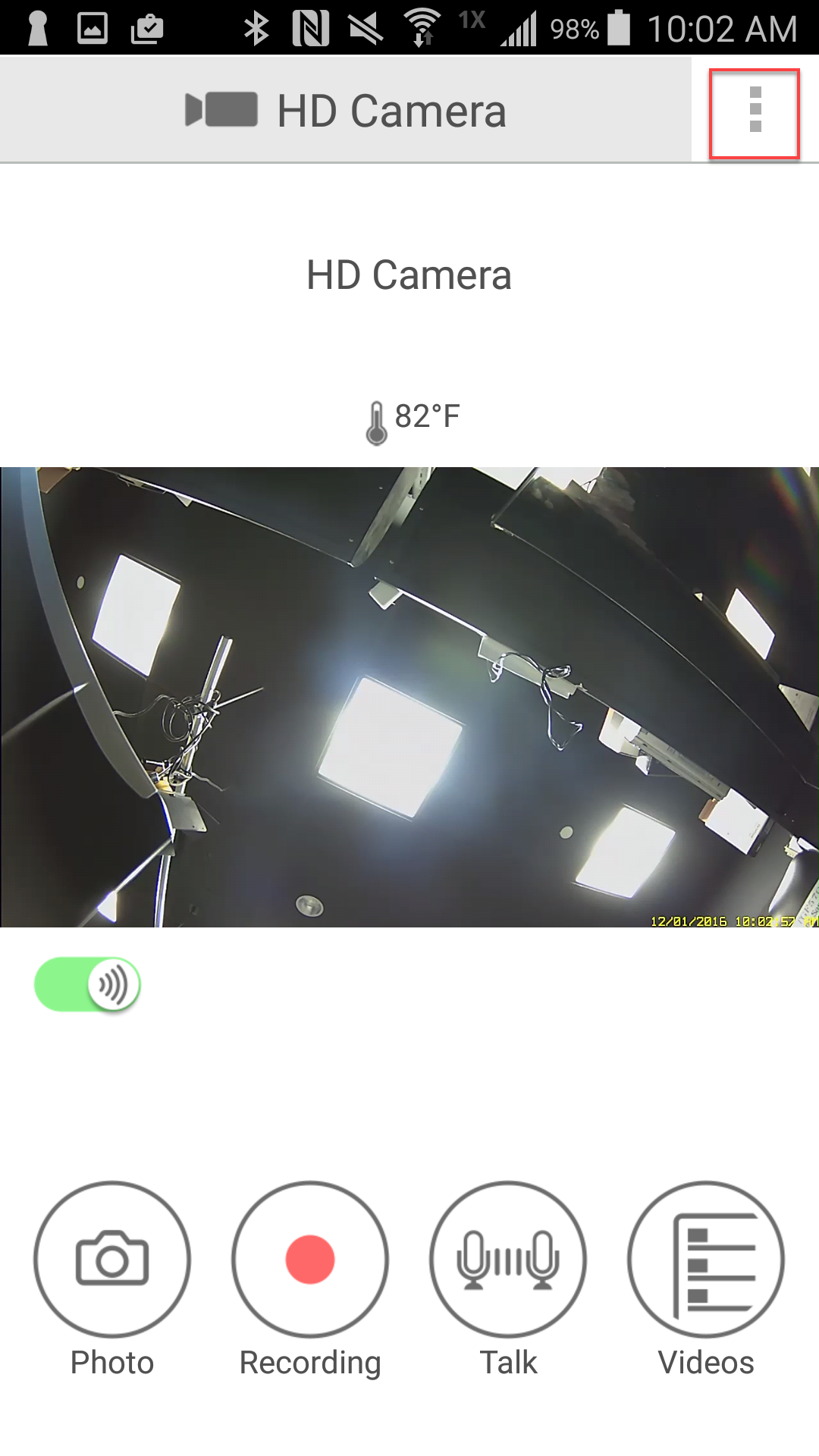
- Tap the Menu Options [
 ] icon for iOS, iPad. For Android devices with a dedicated " Menu " button press your device's [ Menu ] button. For Android device's without a dedicated "Menu" button Tap the Menu [
  ] icon.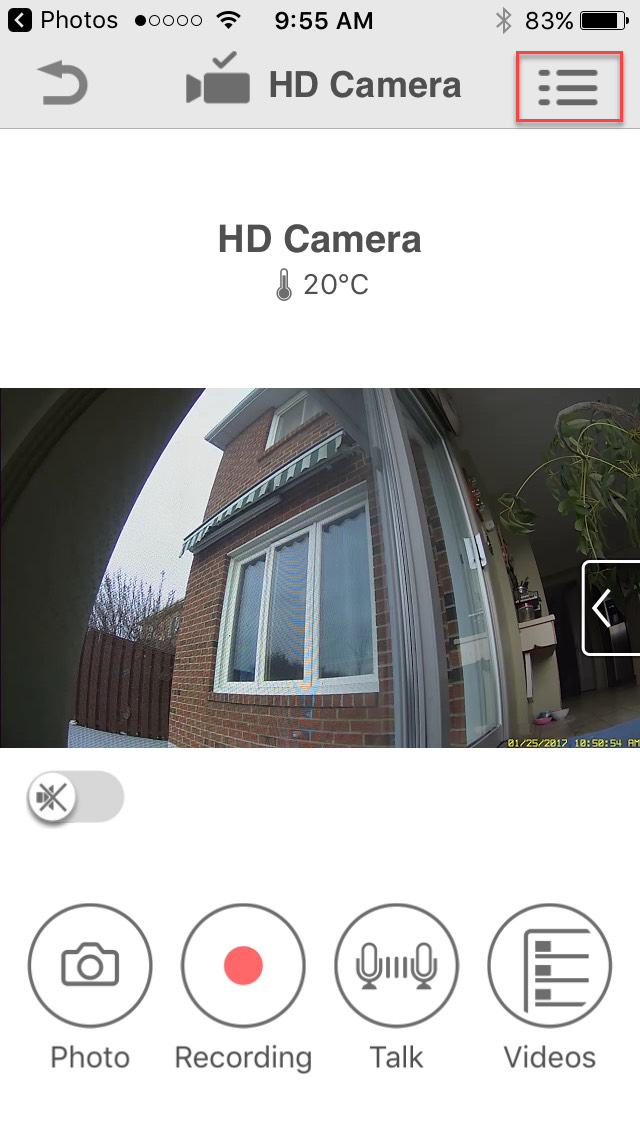
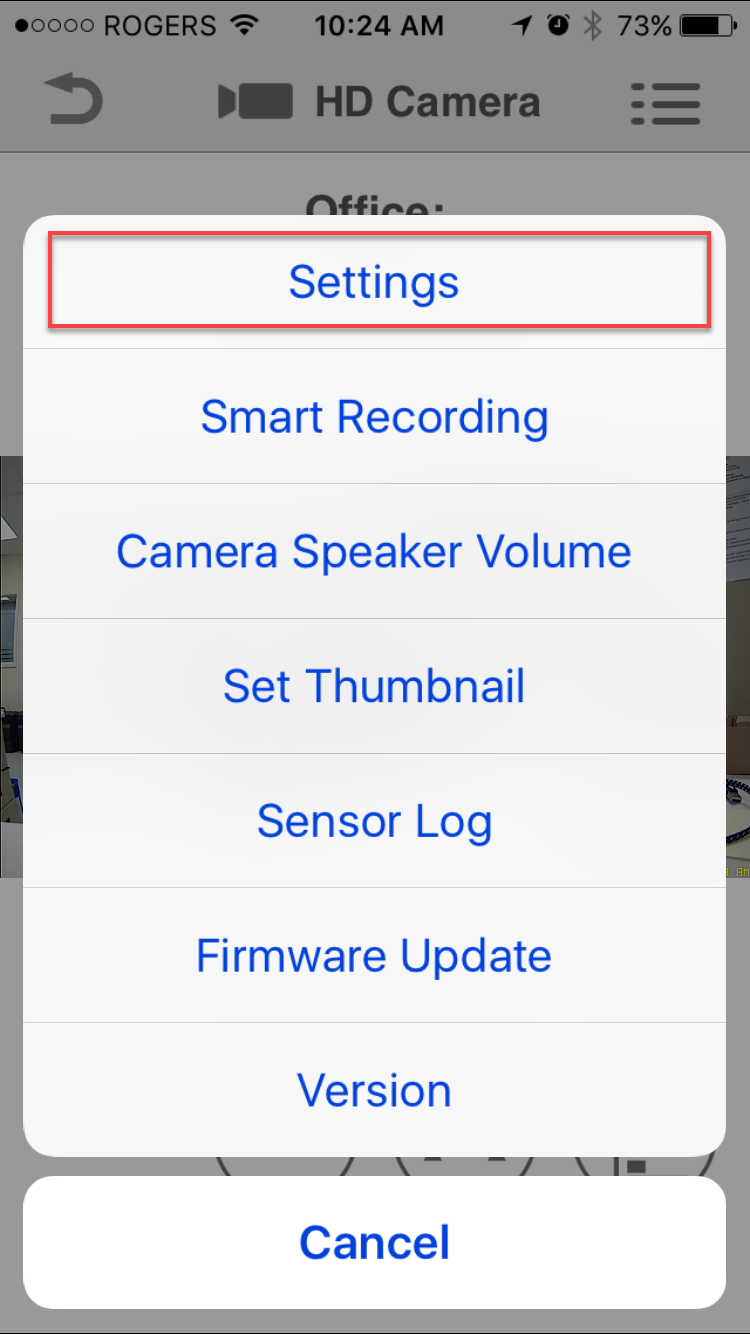
- Tap " Settings ".
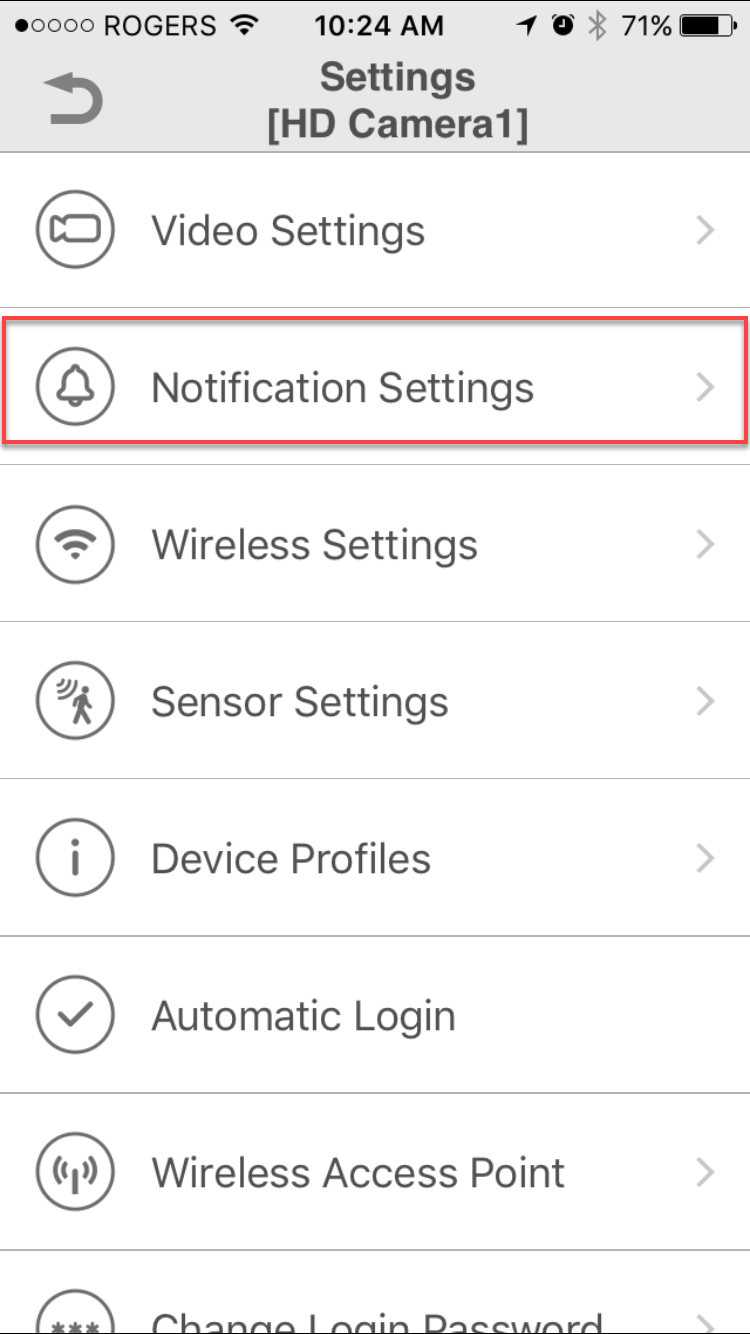
- Tap " Notification Settings "
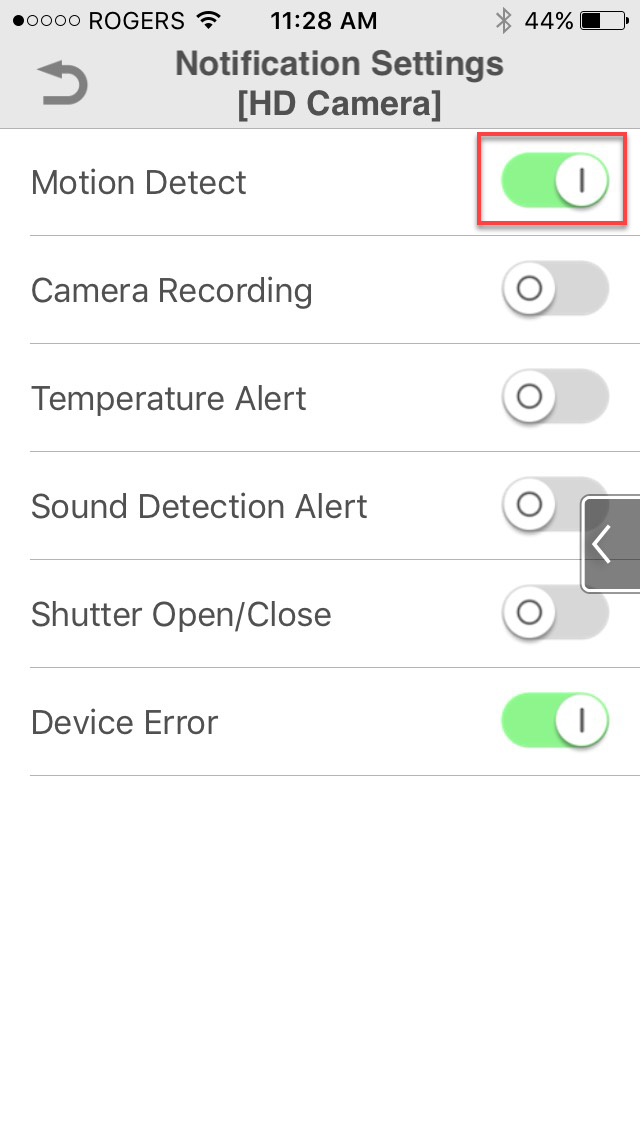
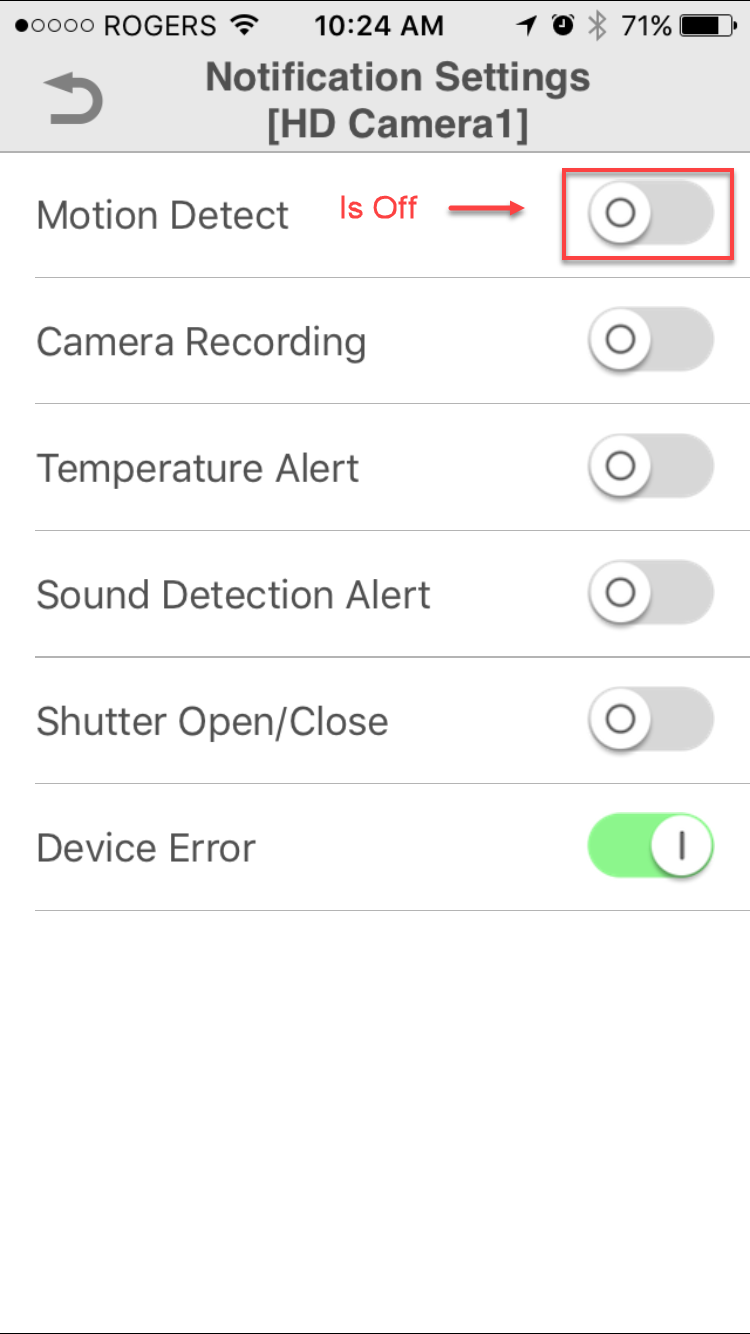
- Tap and slide to the left the motion detect switch to disable.
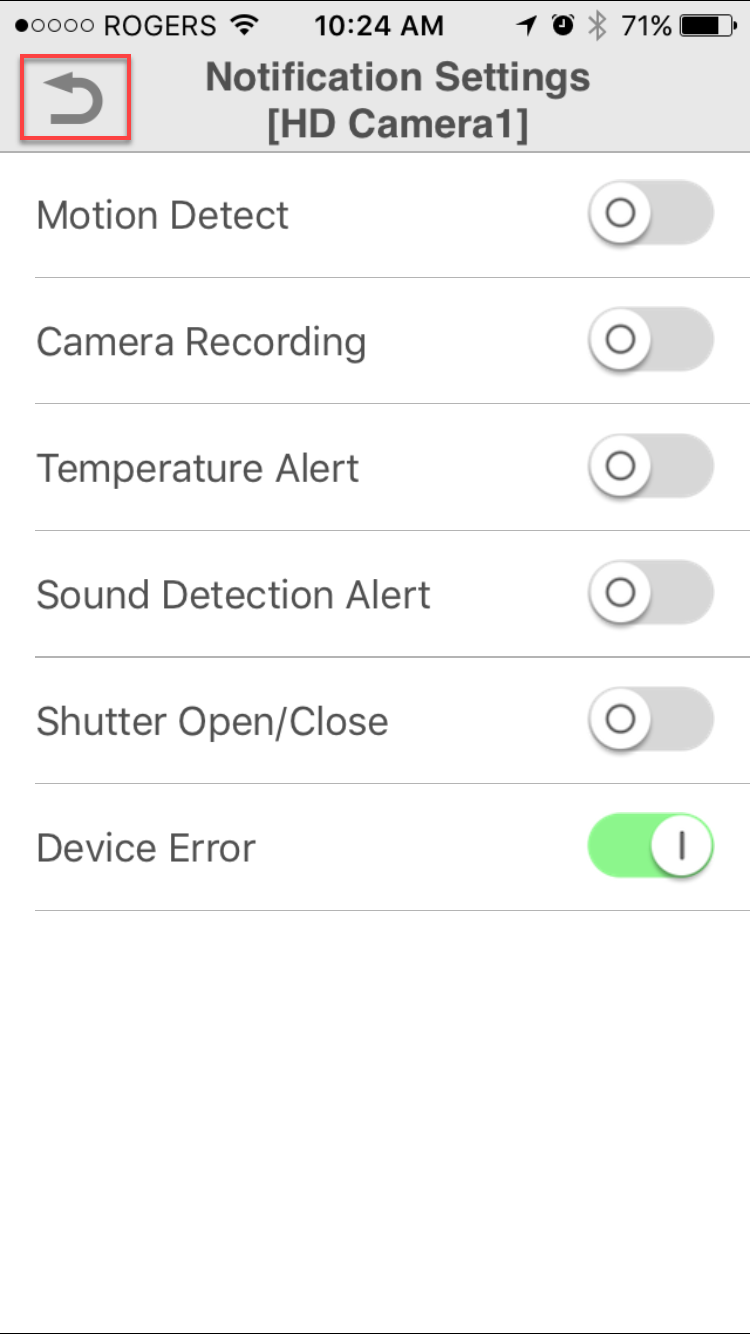
- Tap return repetedly to exit settings.
This answer applies to models KX-HNC800, KX-HNC805, KX-HN1003